How to Optimize a Page With SEOLinkDepot AI
Review page health, generate supported AI recommendations, and approve individual changes safely.
Open Page Optimization
Choose Page Optimization from the navigation to see page-level health and supported SEO improvements.
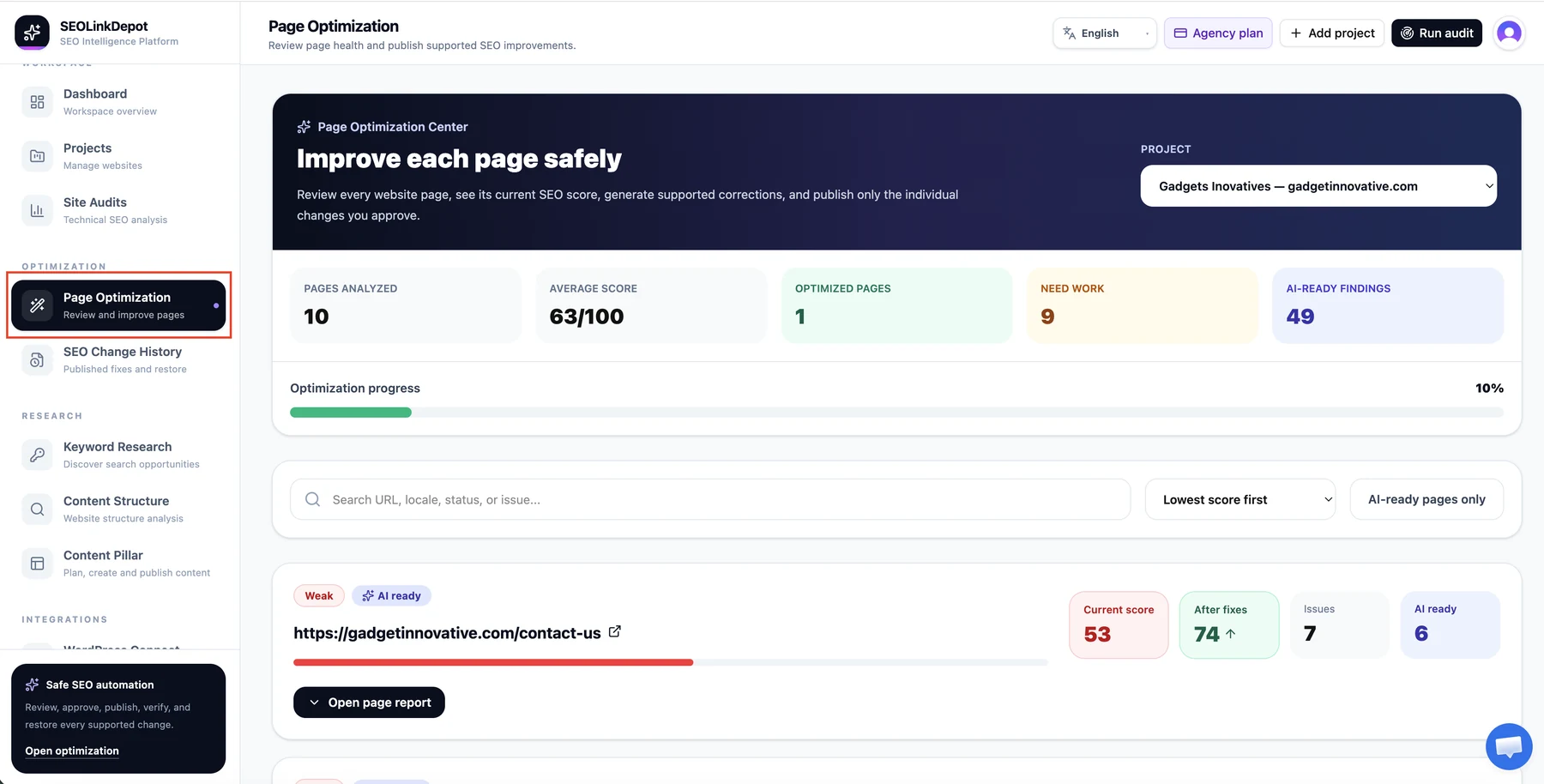
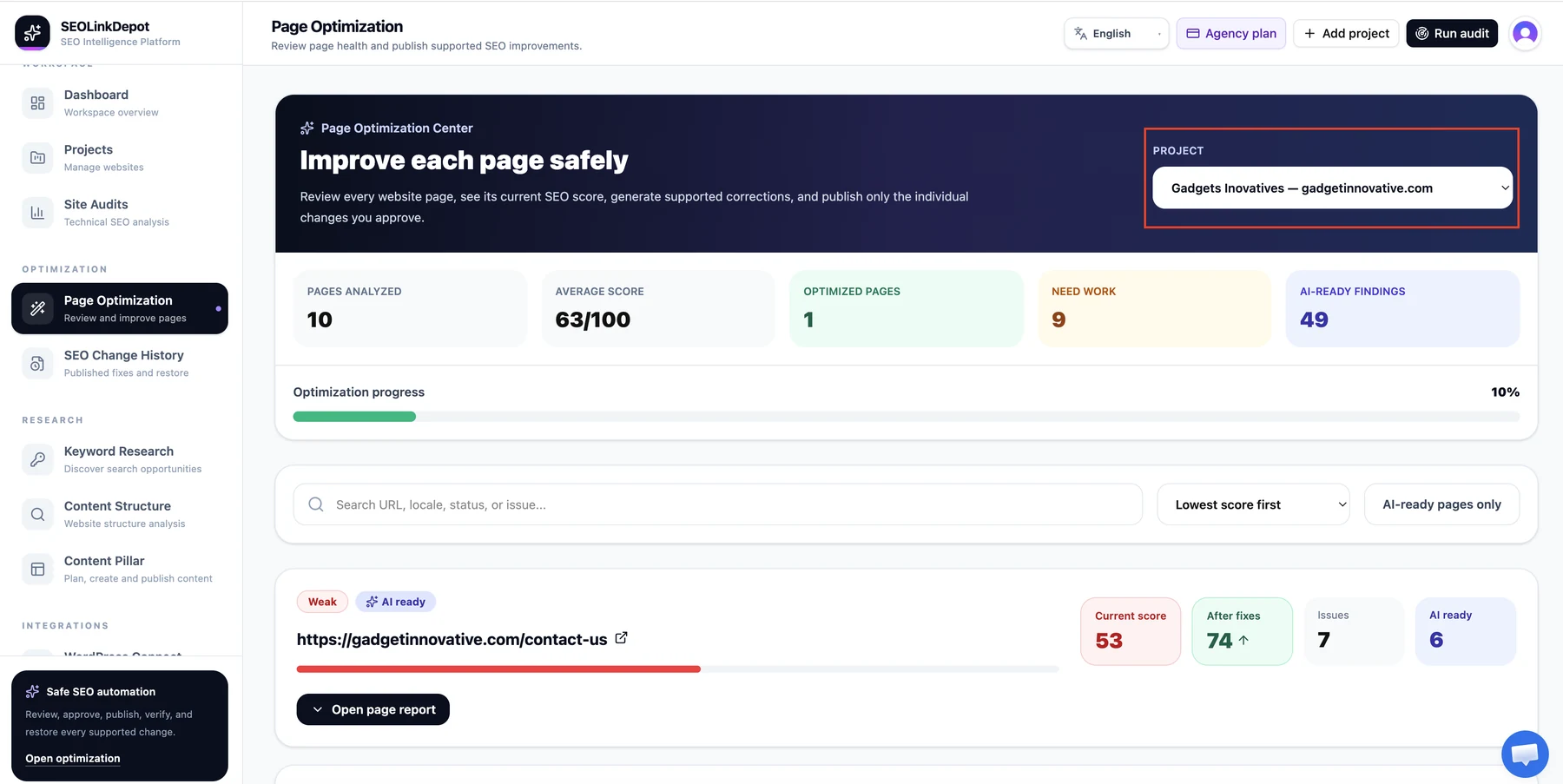
Select the project
Choose the project you want to improve.
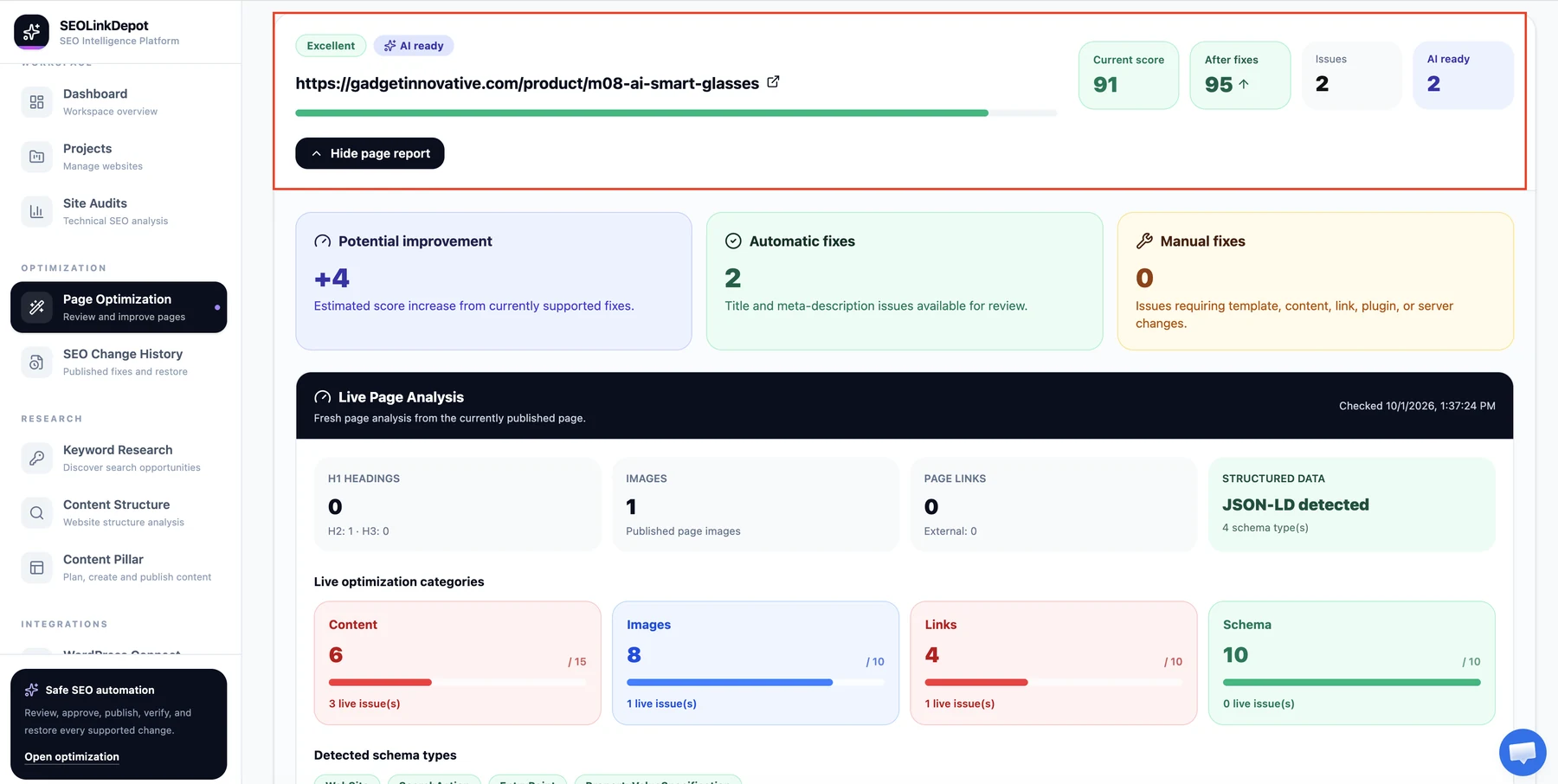
Choose the page
Open a page that needs attention. The page card shows the current score, after-fix estimate, issue count, and AI-ready findings.
Generate AI choices
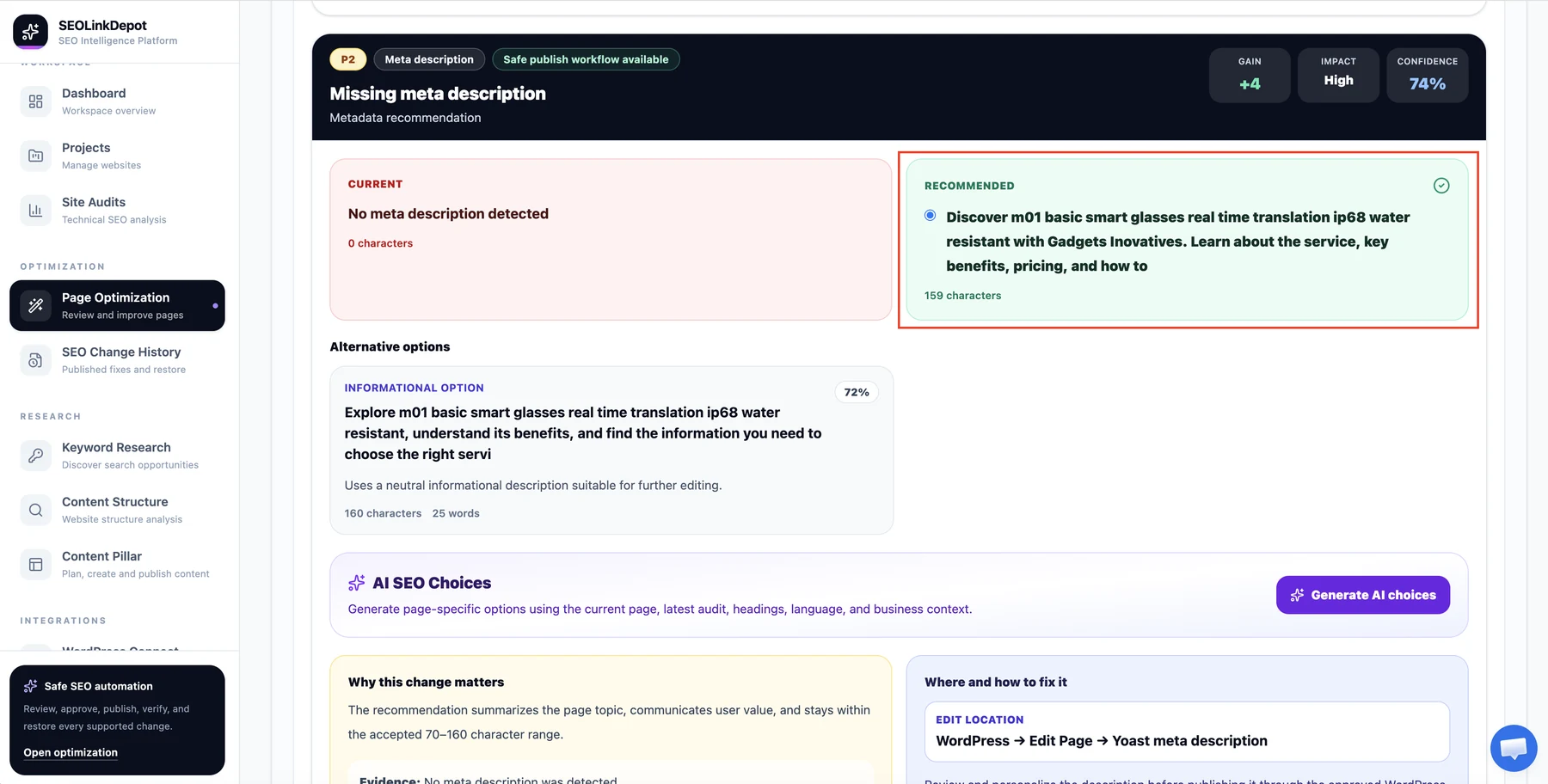
For supported findings, review the current value and recommendation, then use Generate AI choices to create page-specific alternatives.
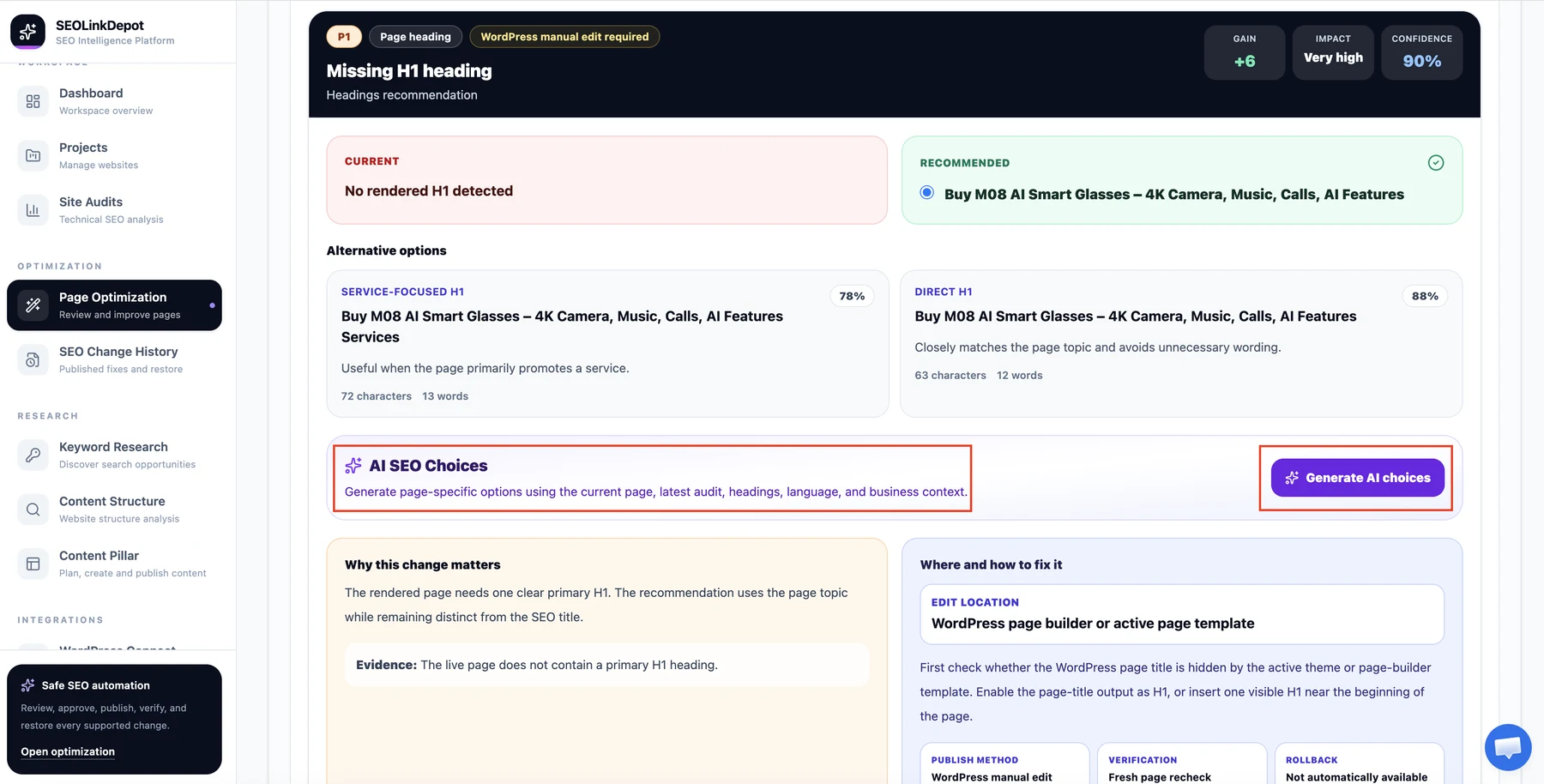
Review the recommendation
Compare the current value, recommended value, and available alternatives. Read why the change matters and where the issue should be fixed.
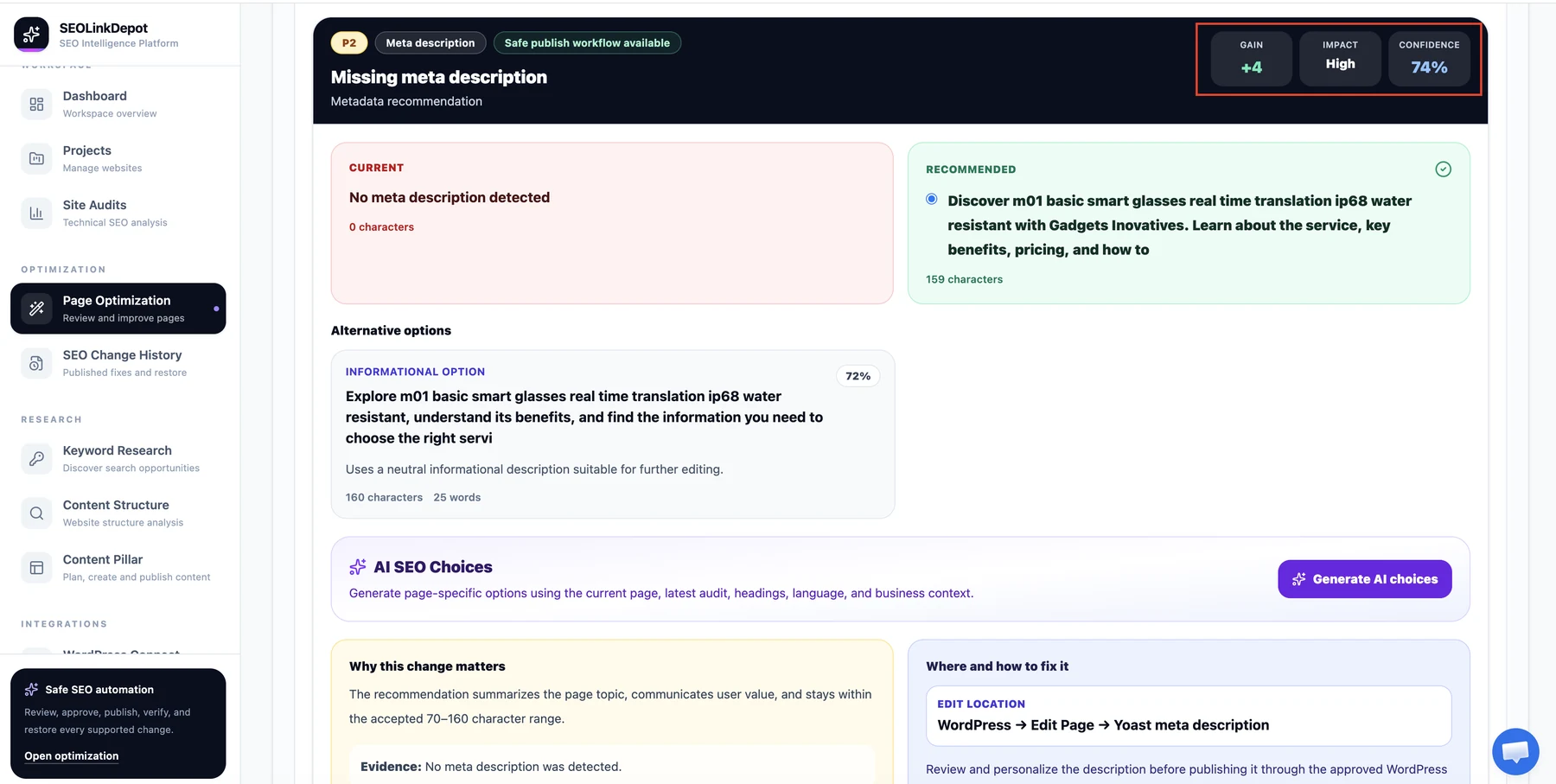
Check expected gain, impact, and confidence
Use the gain, impact, and confidence indicators as supporting context while reviewing the recommendation.
Confirm an individual WordPress publication
When a supported recommendation is ready, the final approval screen shows the WordPress page, change type, current value, proposed value, and what will happen. Confirm only after reviewing the exact change.
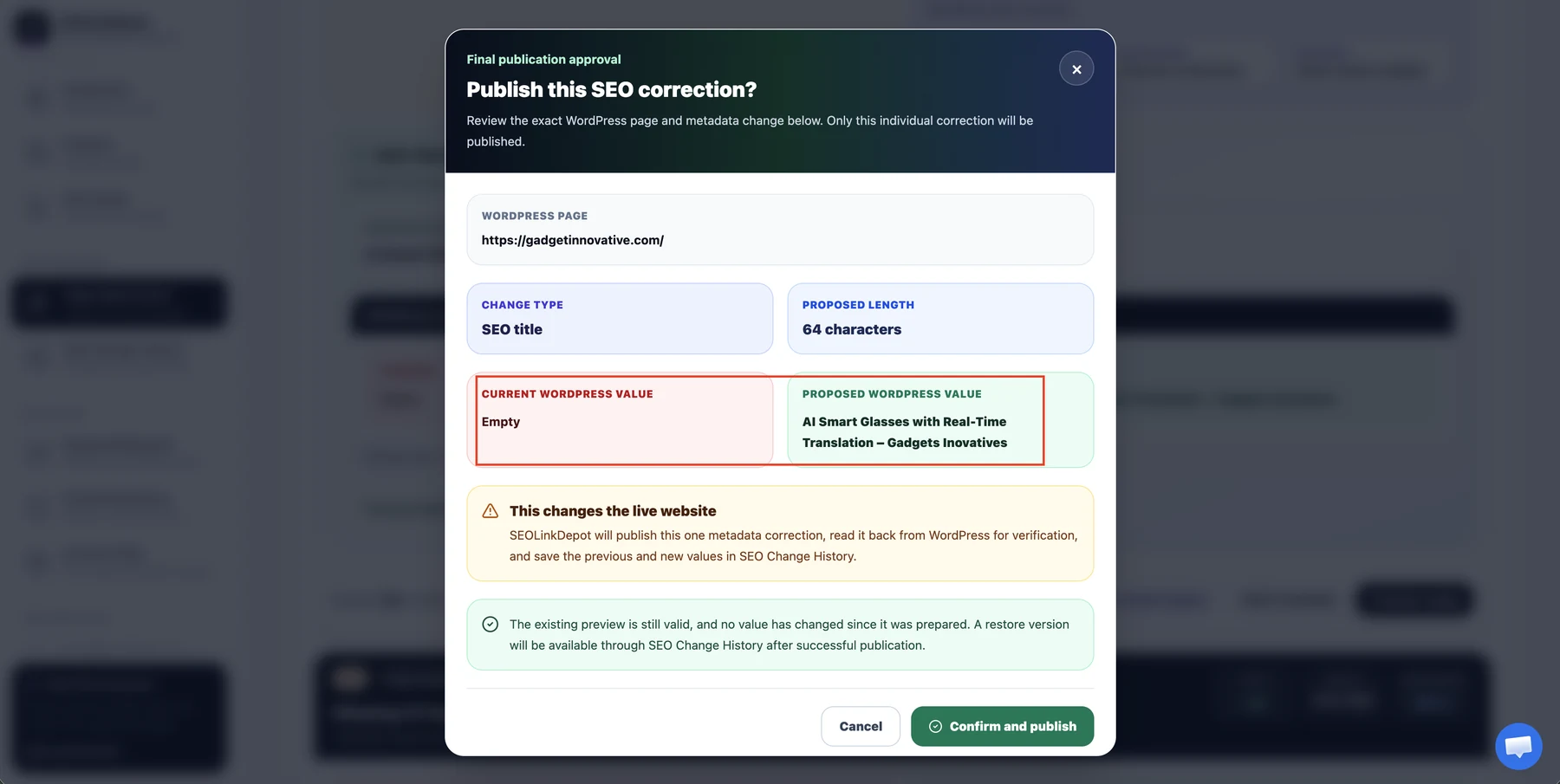
SEOLinkDepot separates recommendation from publication. Always review the current and proposed values before approving a live WordPress change.