How to Find SEO Keywords With SEOLinkDepot
Discover search opportunities by project, country, language, and research depth.
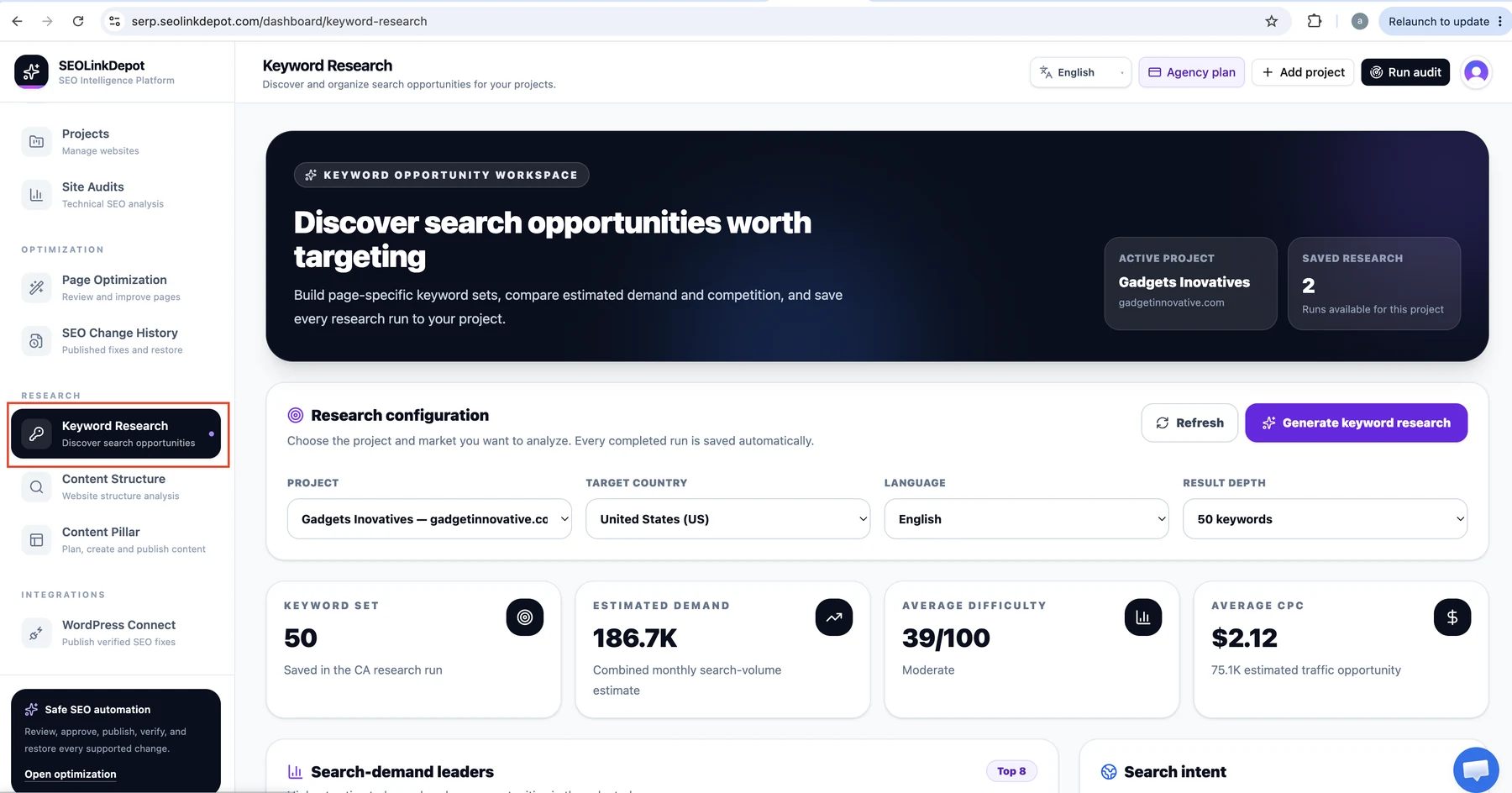
Open Keyword Research
Choose Keyword Research from the left navigation.
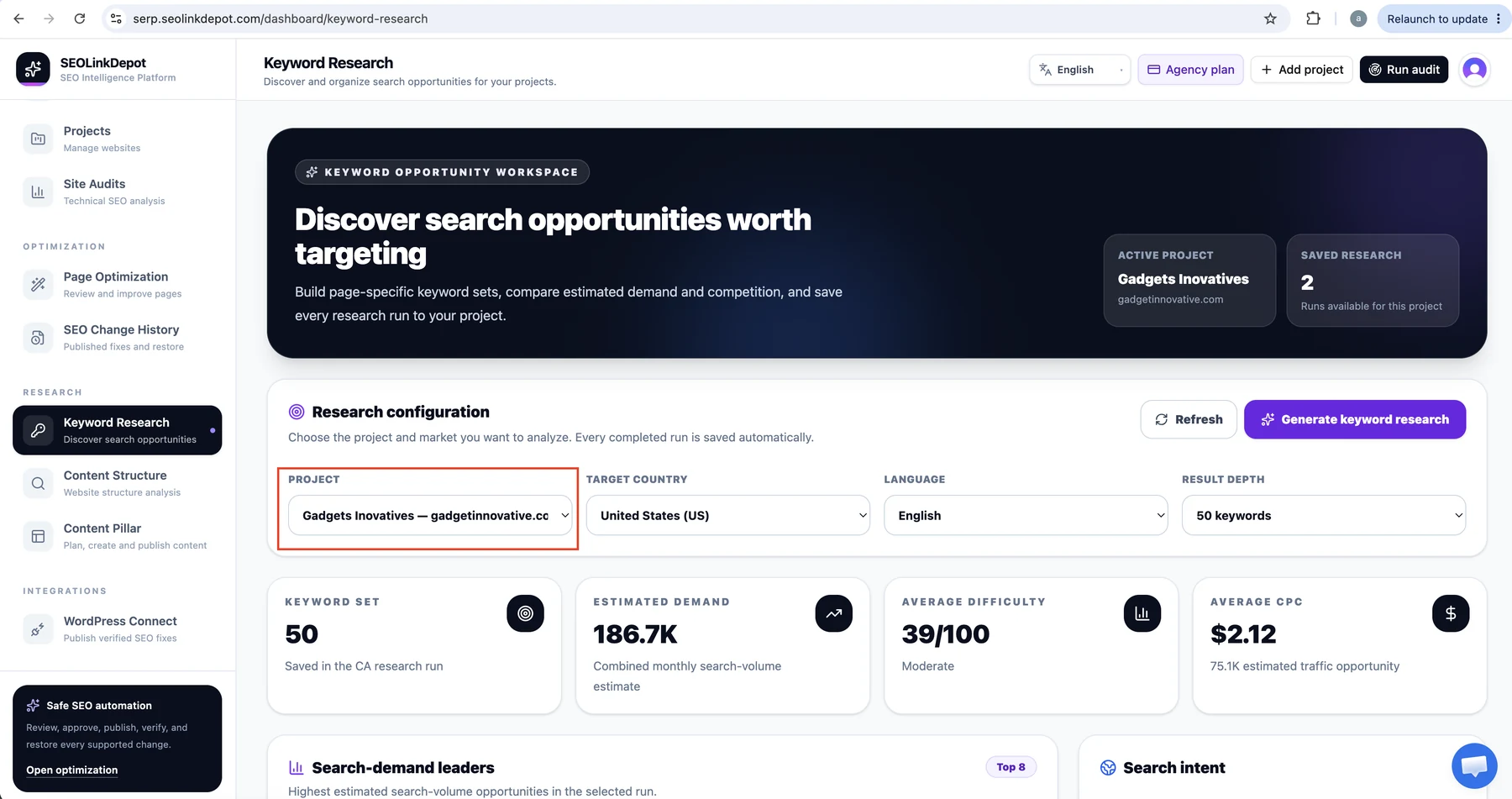
Select the project
Choose the website you are researching. In this example, the active project is Gadgets Inovatives.
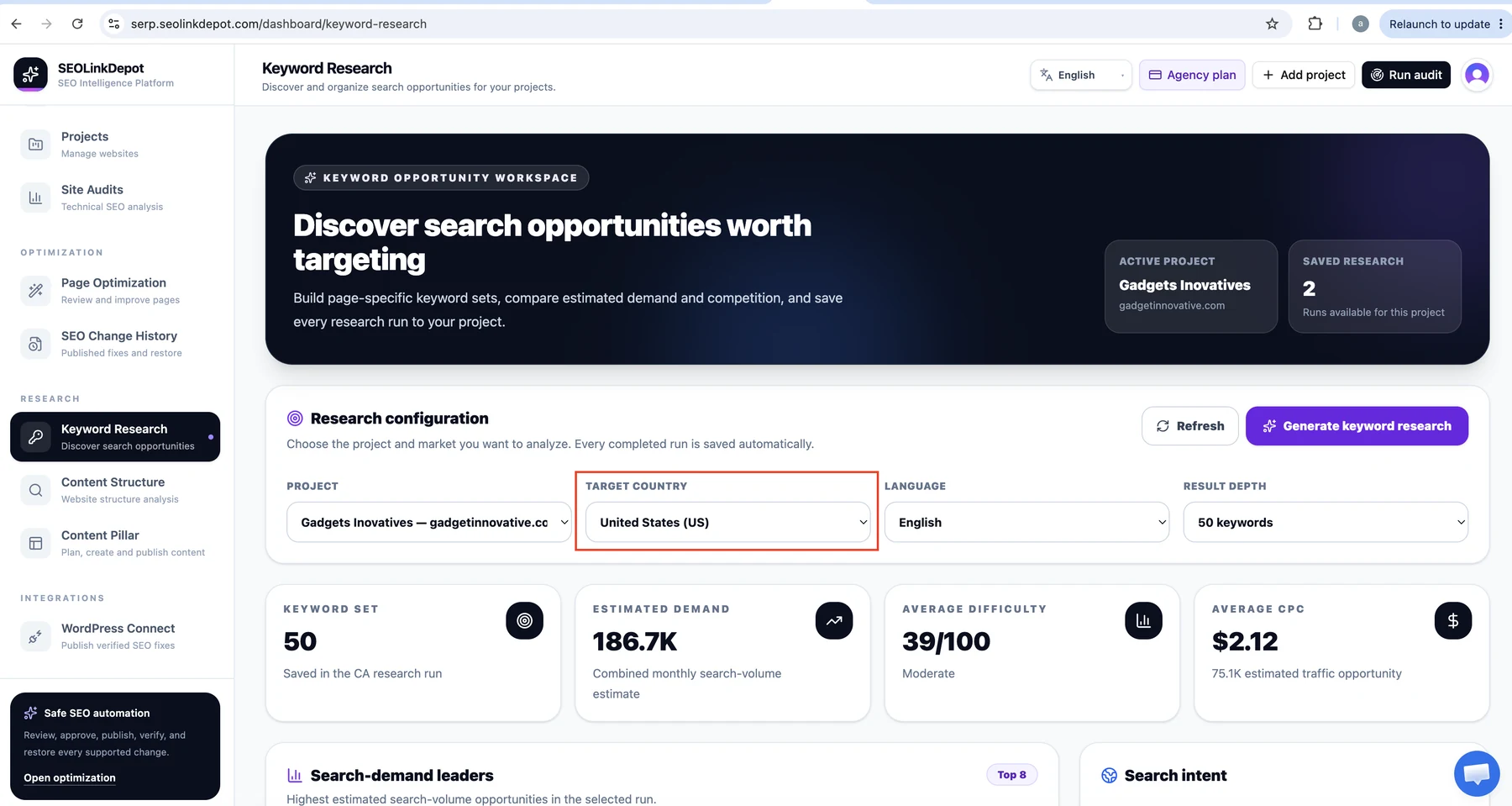
Choose the target country
Select the country that represents the market you want to analyse.
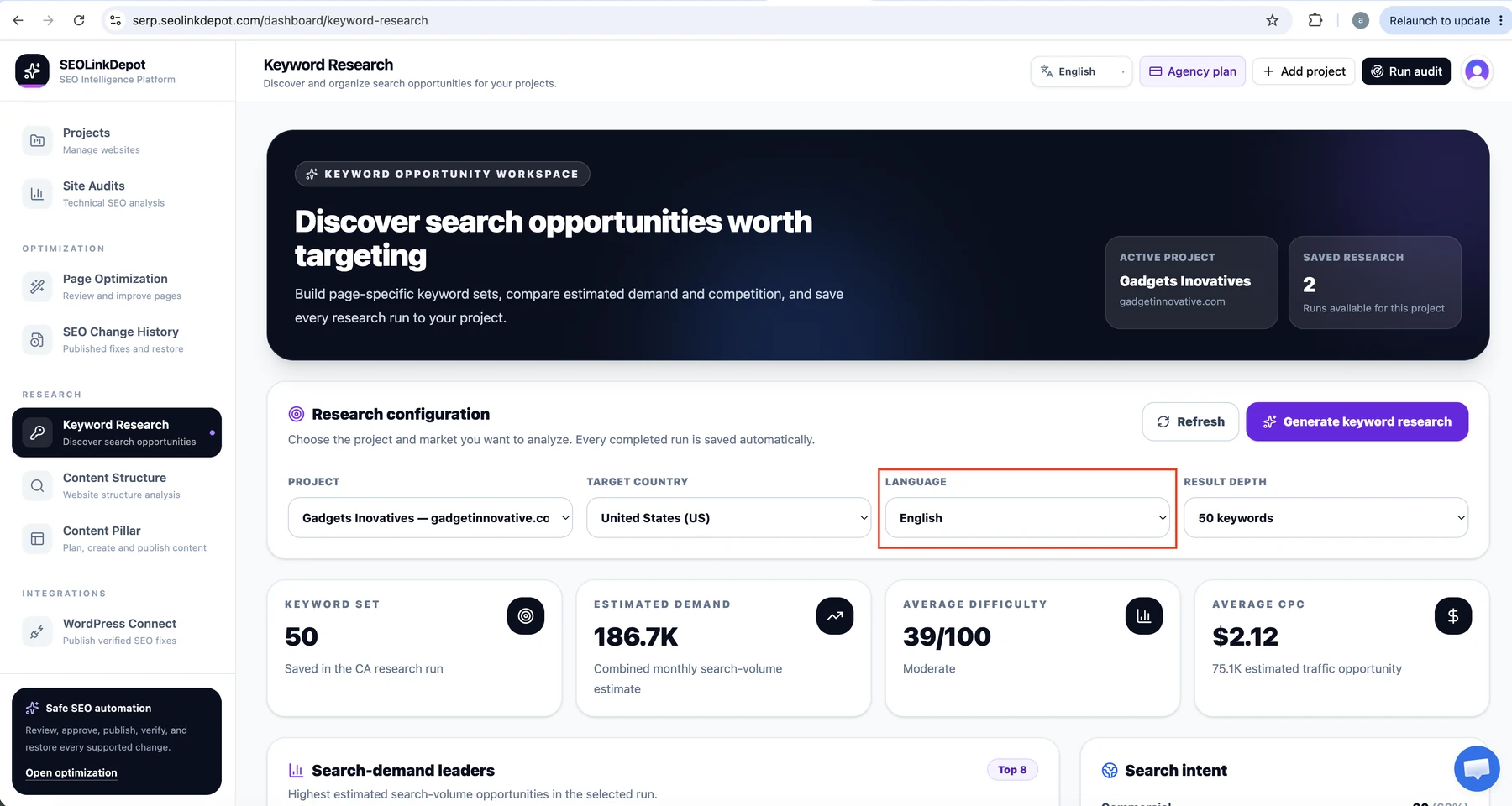
Choose the language
Select the language your target customers use for search.
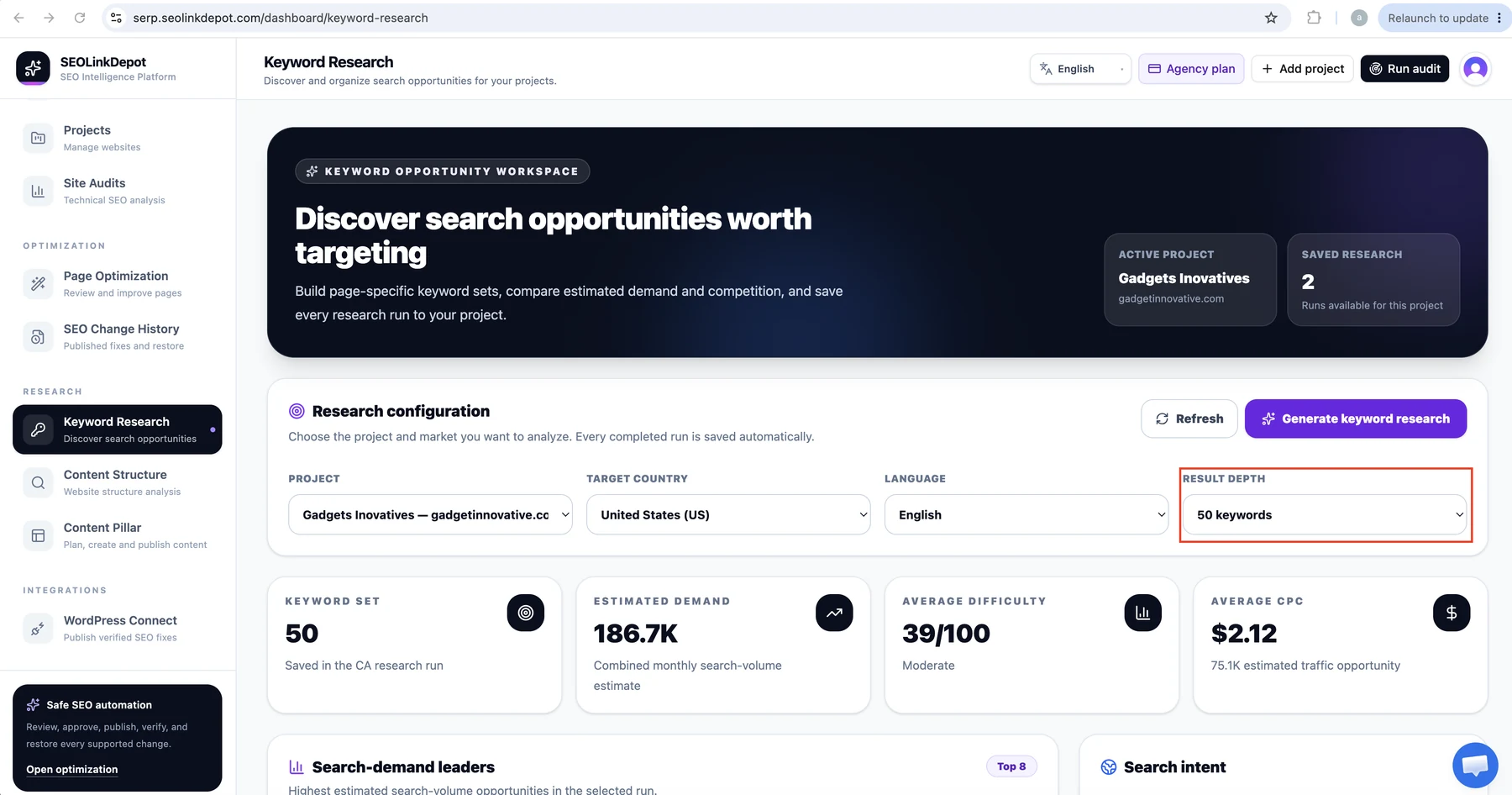
Choose result depth
Select how many keyword opportunities you want the research run to return.
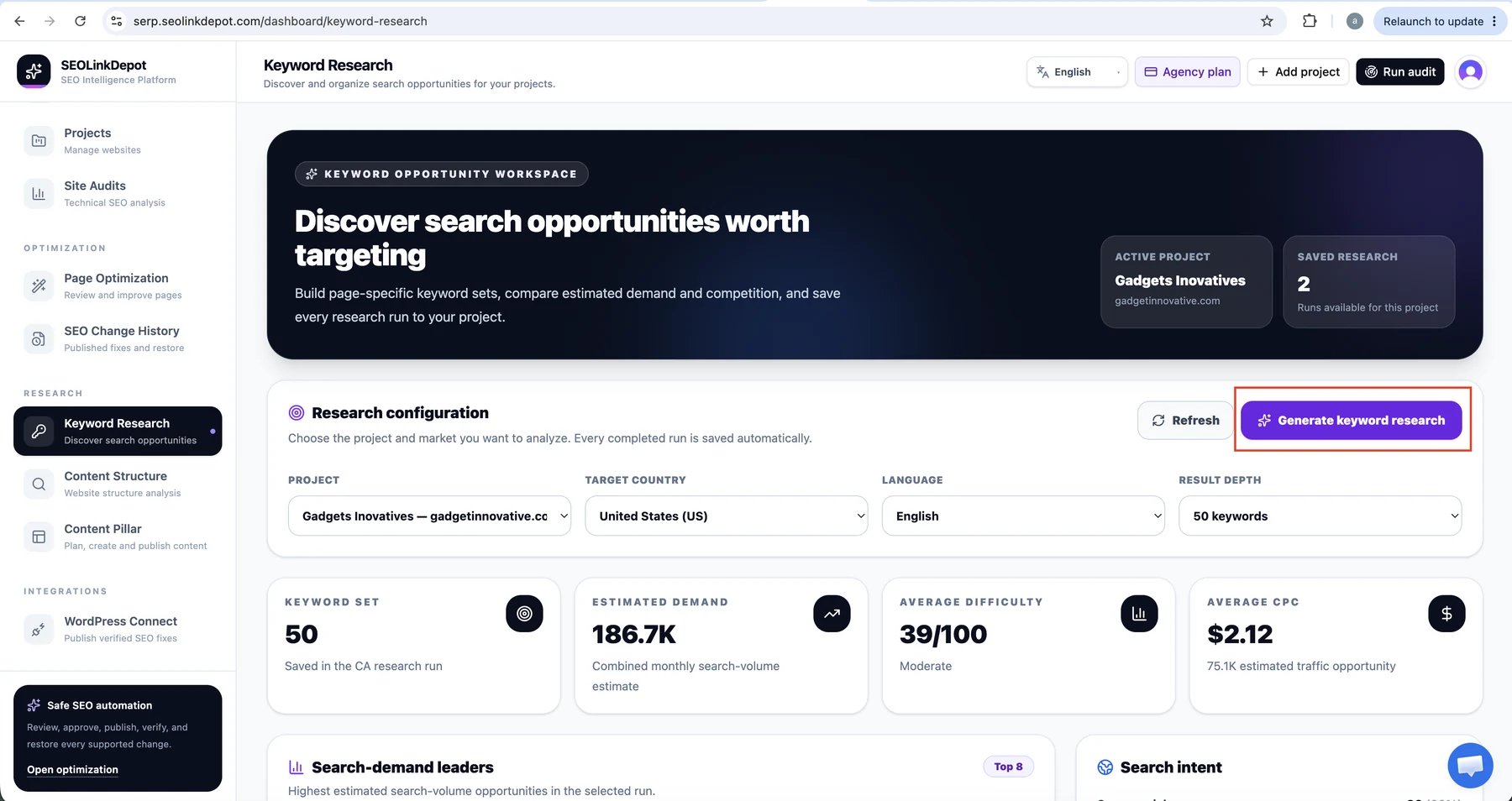
Generate keyword research
Click Generate keyword research. Completed runs are saved to the project so you can return to them later.
Review demand and search intent
Use the results to compare keyword opportunities, search intent, estimated demand, difficulty, traffic opportunity, and CPC where available.
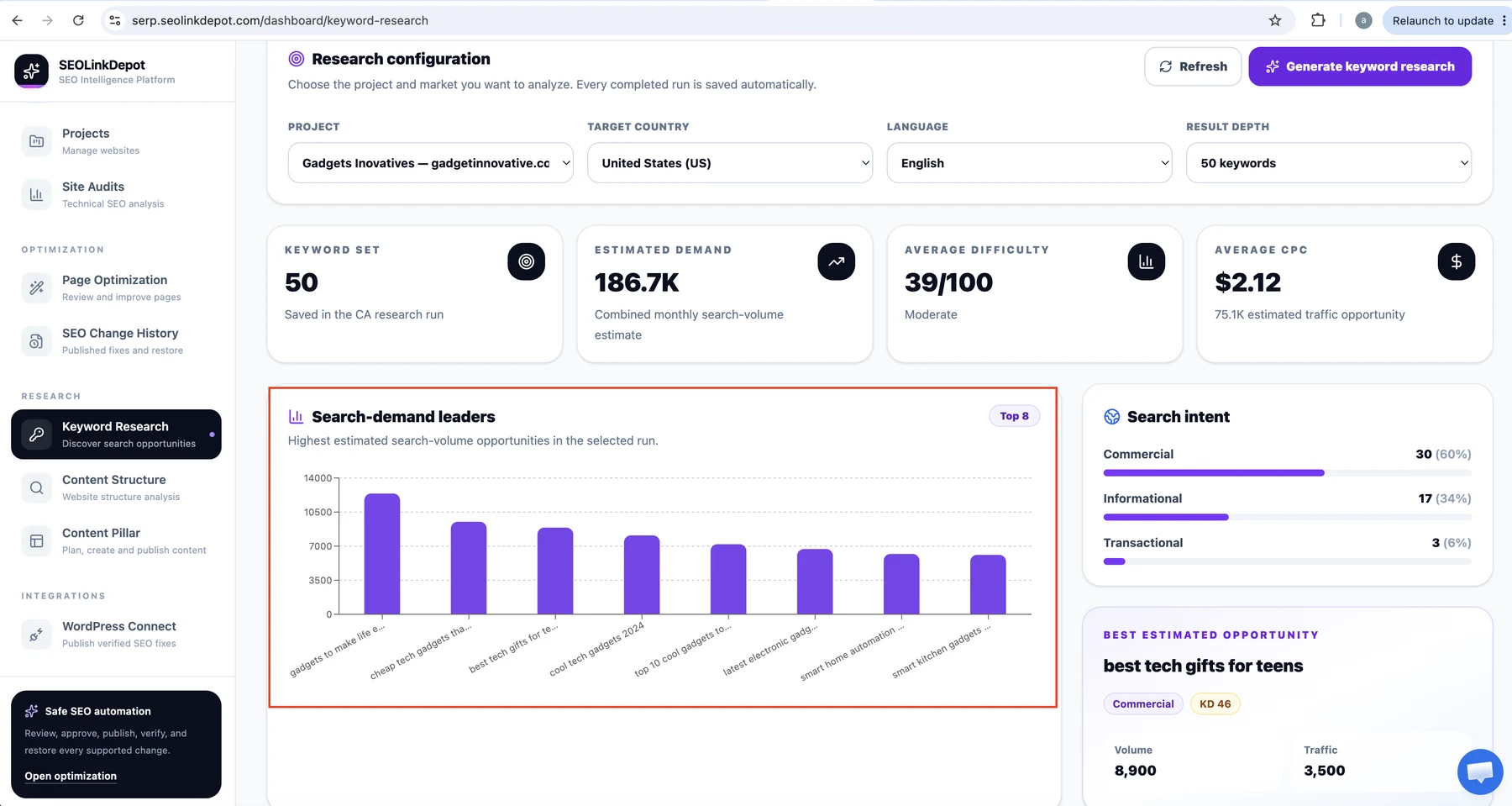
Choose keywords that match the page and real search intent. Do not choose a keyword only because it has the highest search volume.