How to Build a Content Pillar
Turn keyword opportunities into topic clusters, planned content, review queues, and publishable assets.
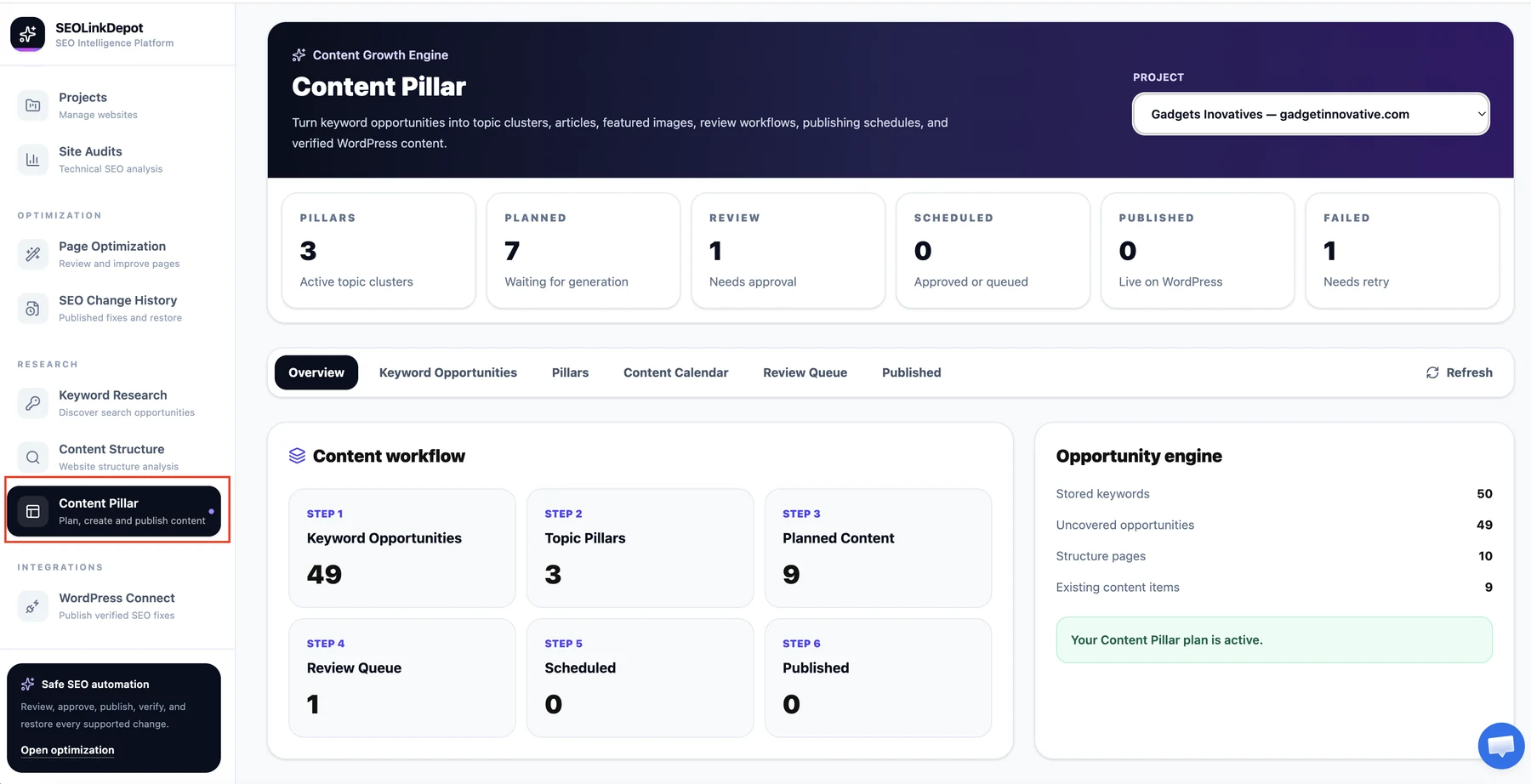
Open Content Pillar
Choose Content Pillar from the navigation to open the Content Growth Engine.
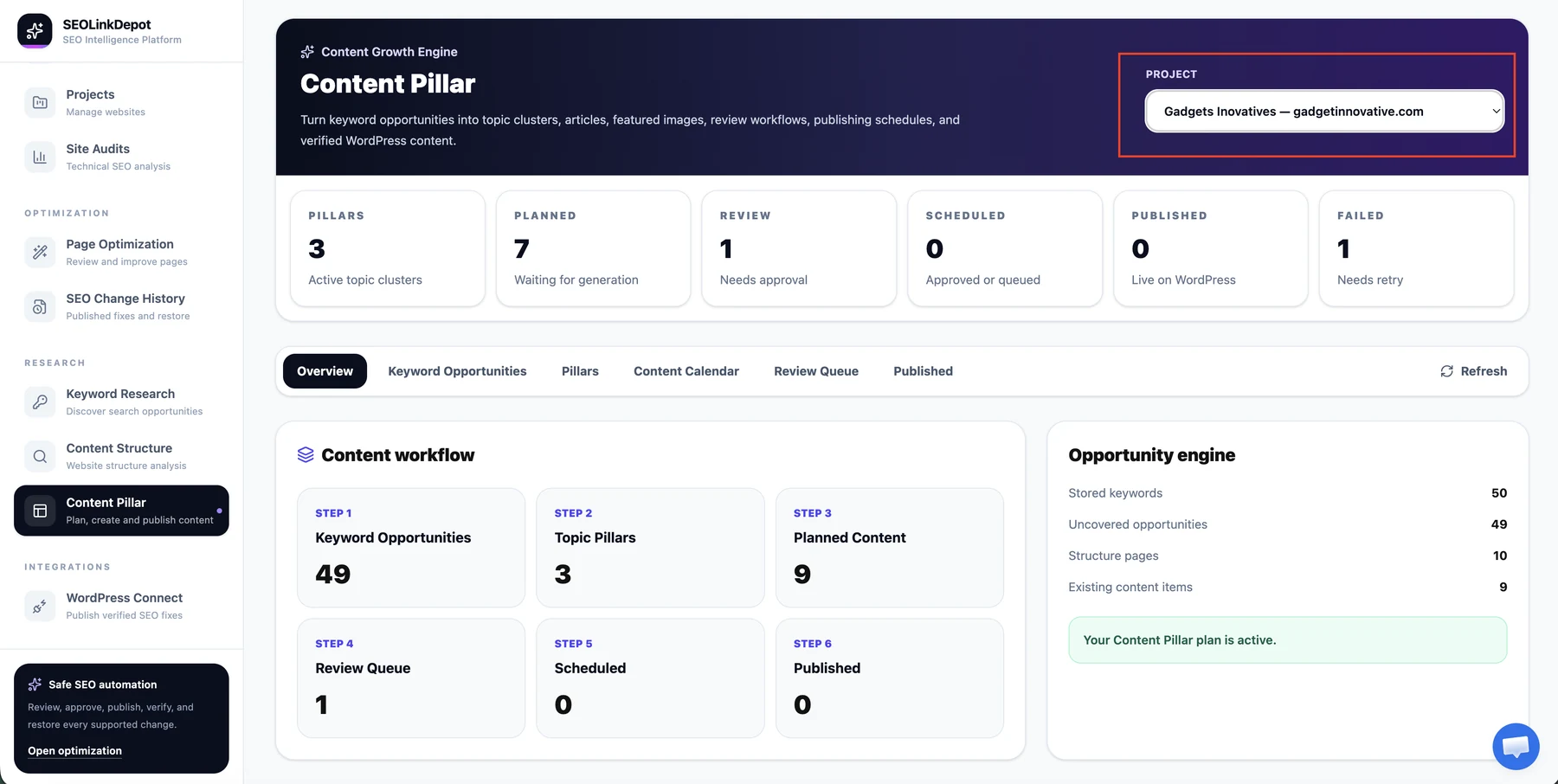
Select the project
Choose the project whose keyword and content opportunities you want to manage.
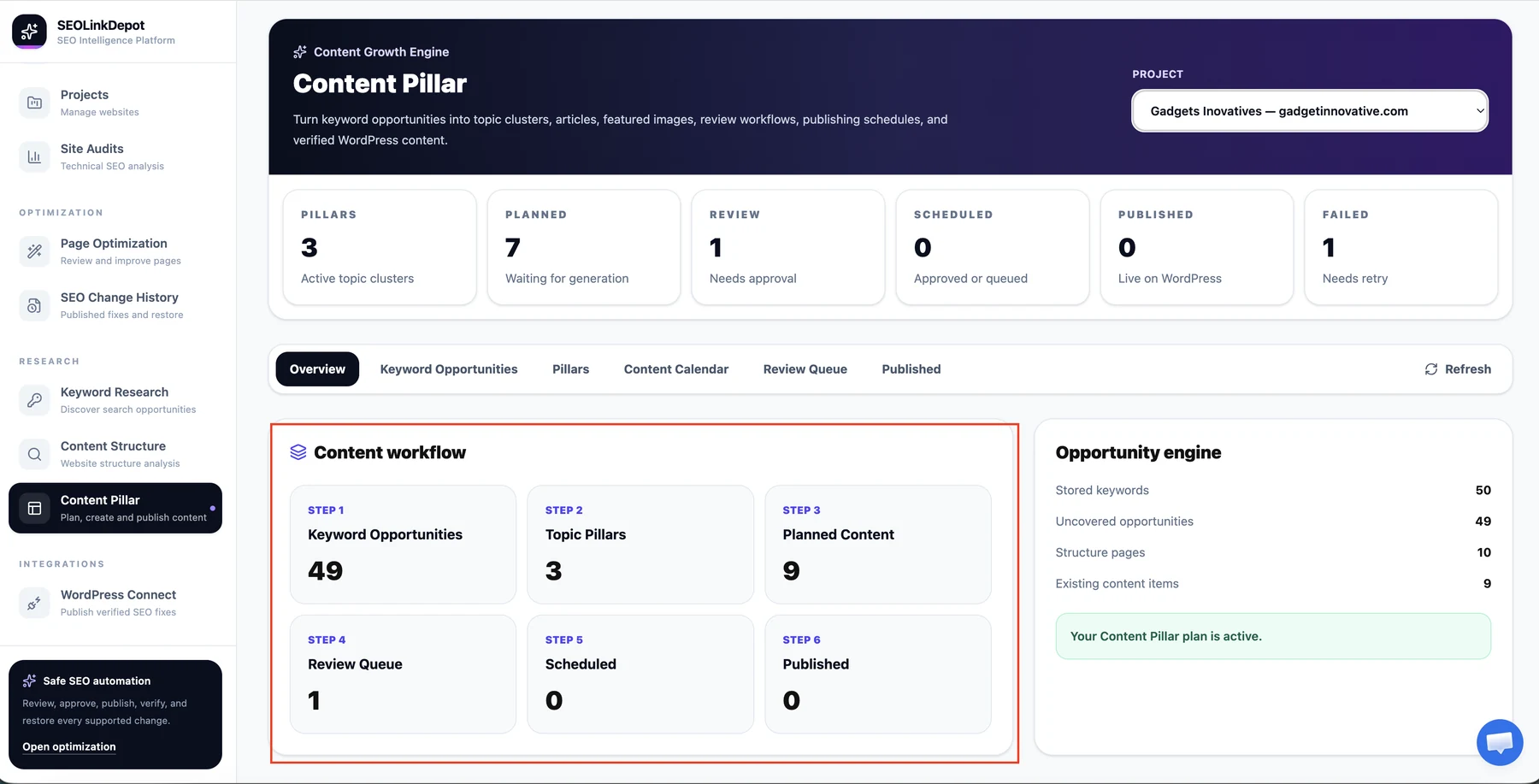
Understand the content workflow
The Overview shows the workflow from keyword opportunities to topic pillars, planned content, review queue, scheduled content, and published content.
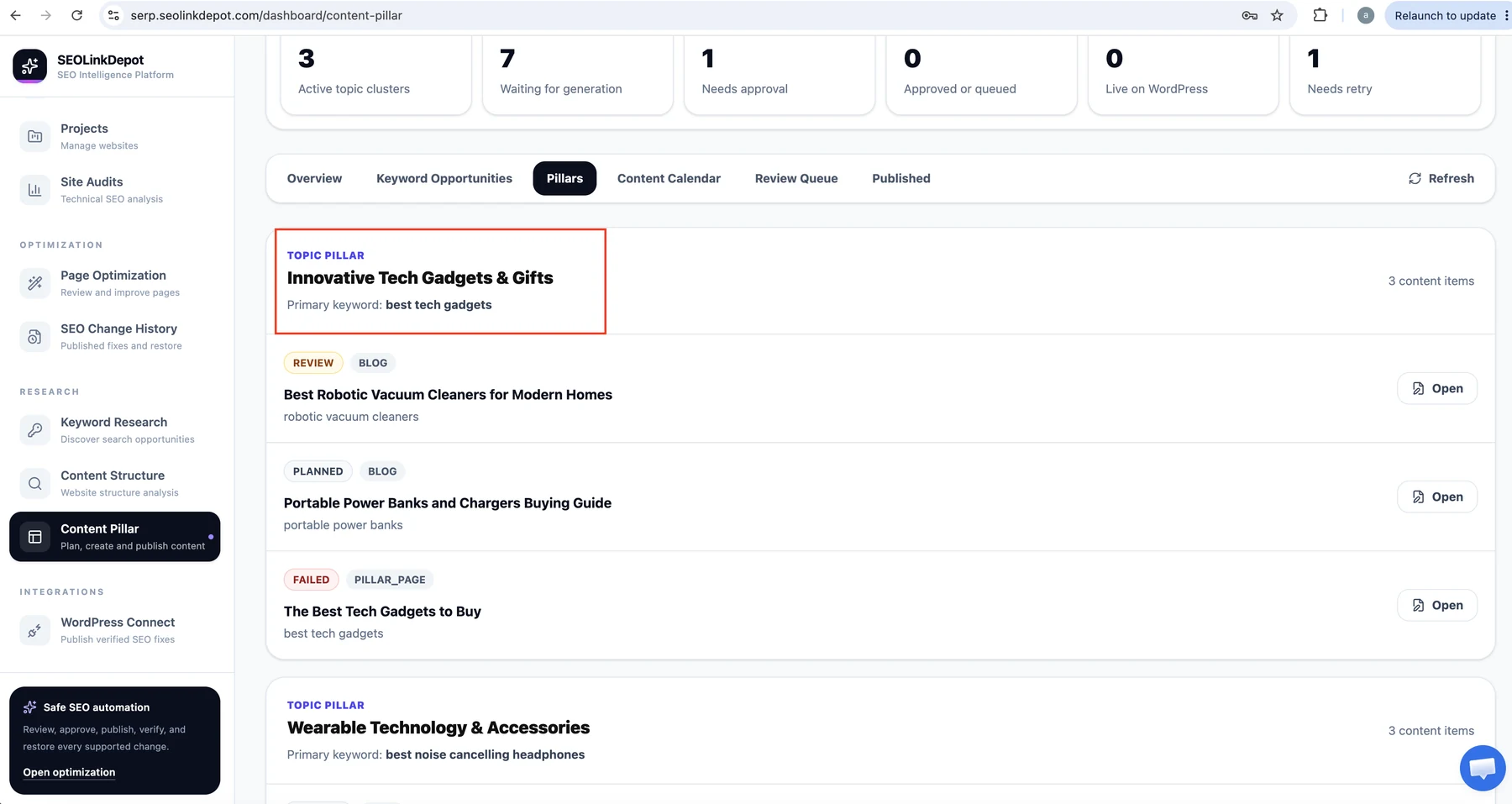
Review your topic pillars
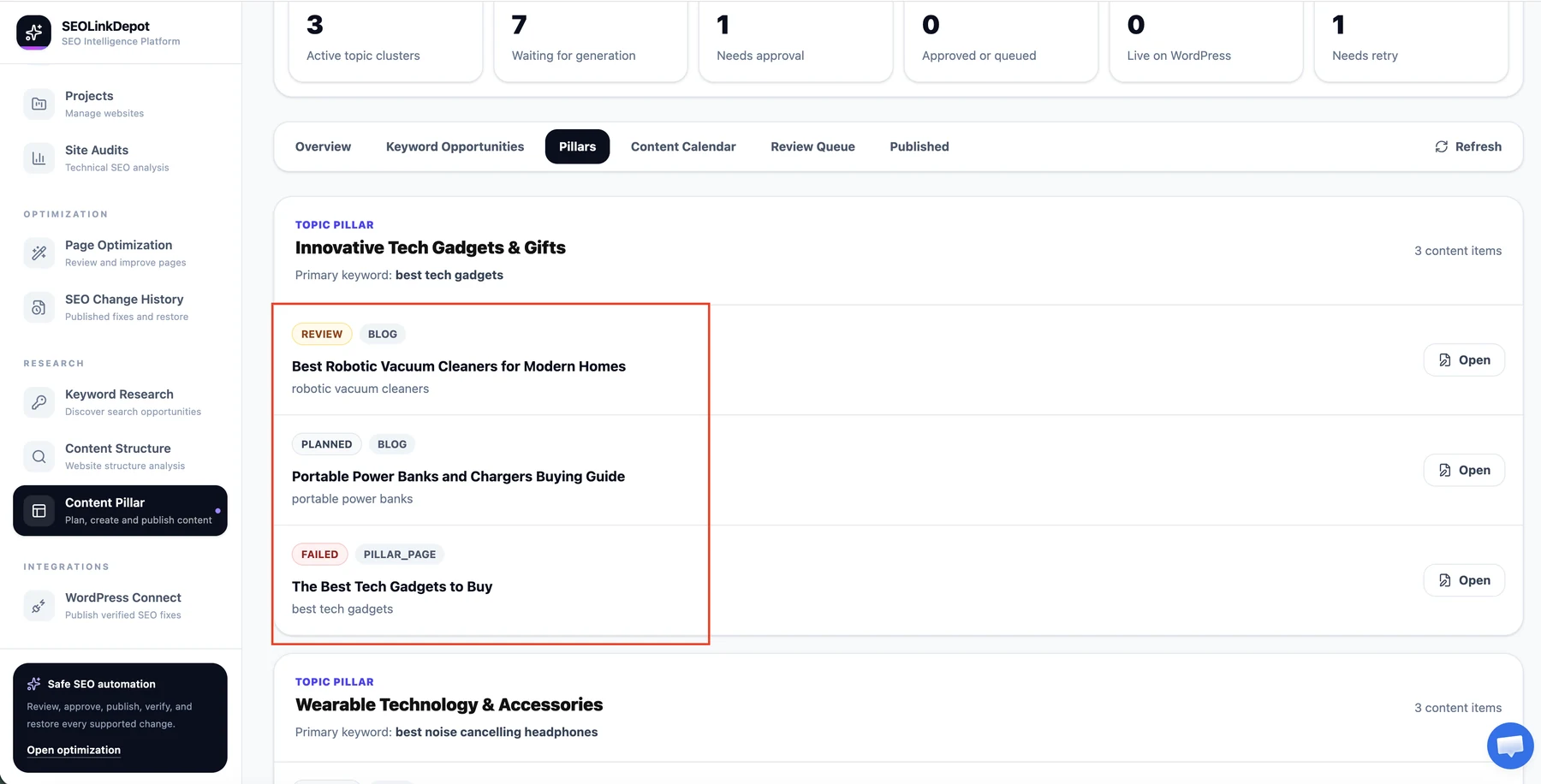
Open the Pillars tab to see active topic clusters and the content items associated with each one.
Open content items inside a pillar
Review planned, review, failed, or other content items and open the item you want to work on.
Review and prepare the content
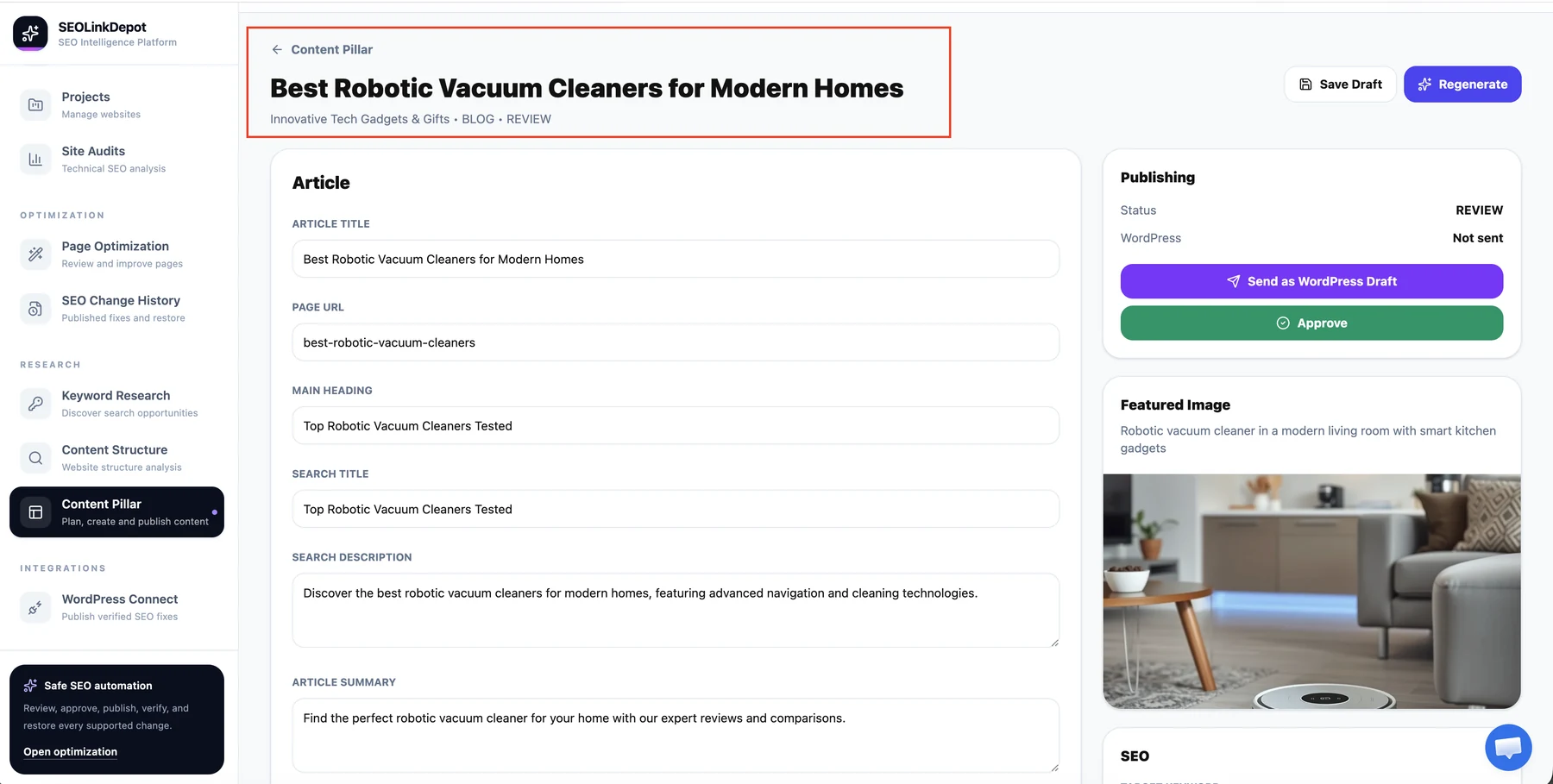
Inside an item, review article details, headings, summary, featured image, SEO fields, and publishing controls. Save a draft, regenerate, approve, or continue to WordPress when the workflow is ready.
Keep each pillar focused on one clear topic. Supporting content should strengthen the main subject instead of becoming an unrelated list of articles.